Guide first
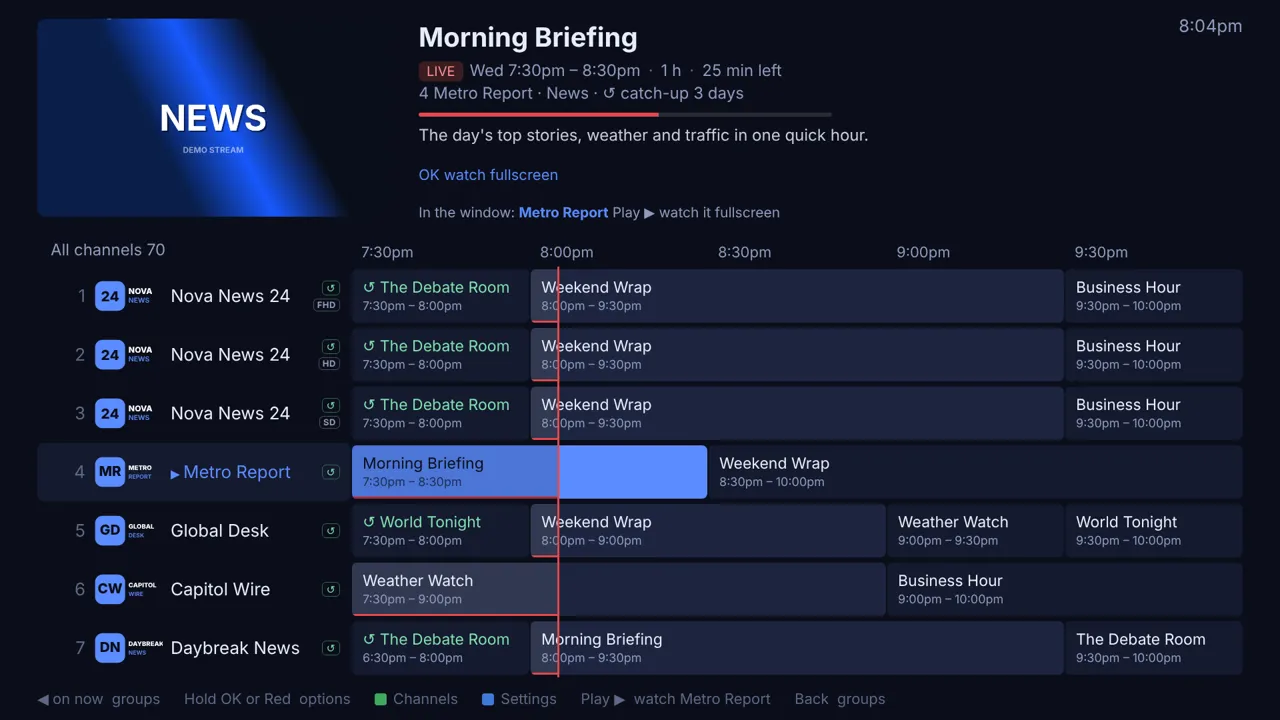
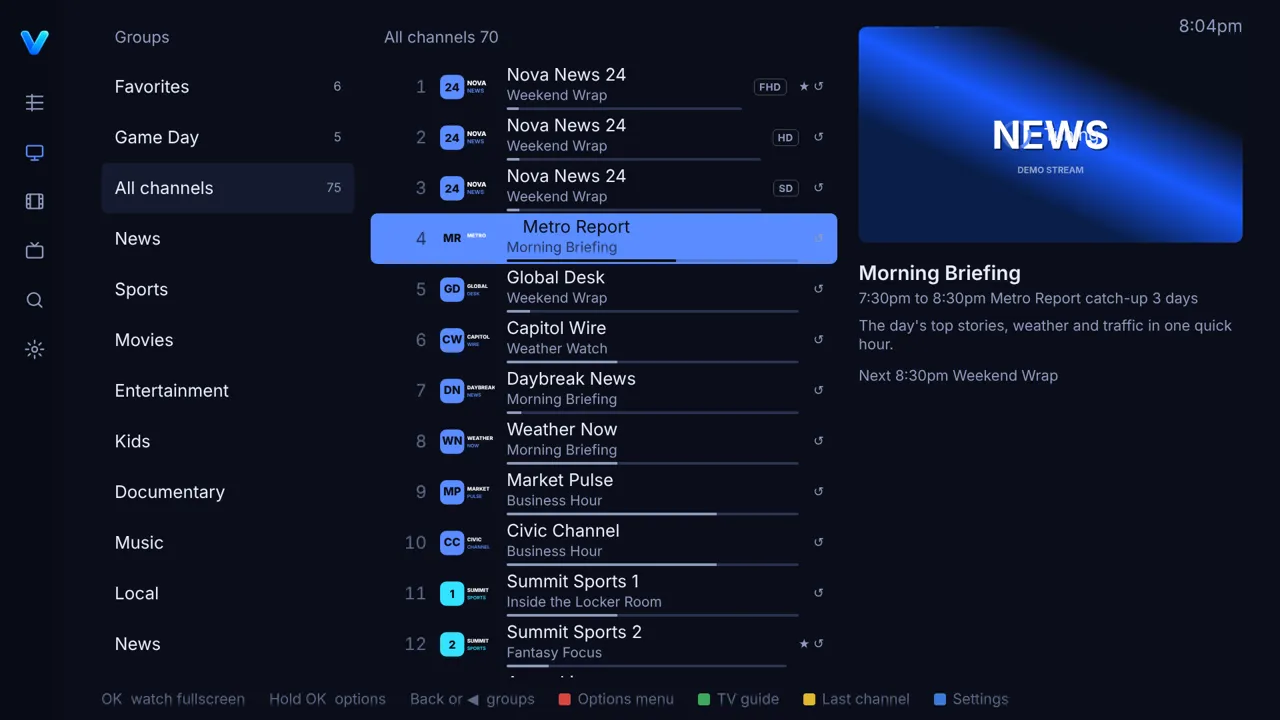
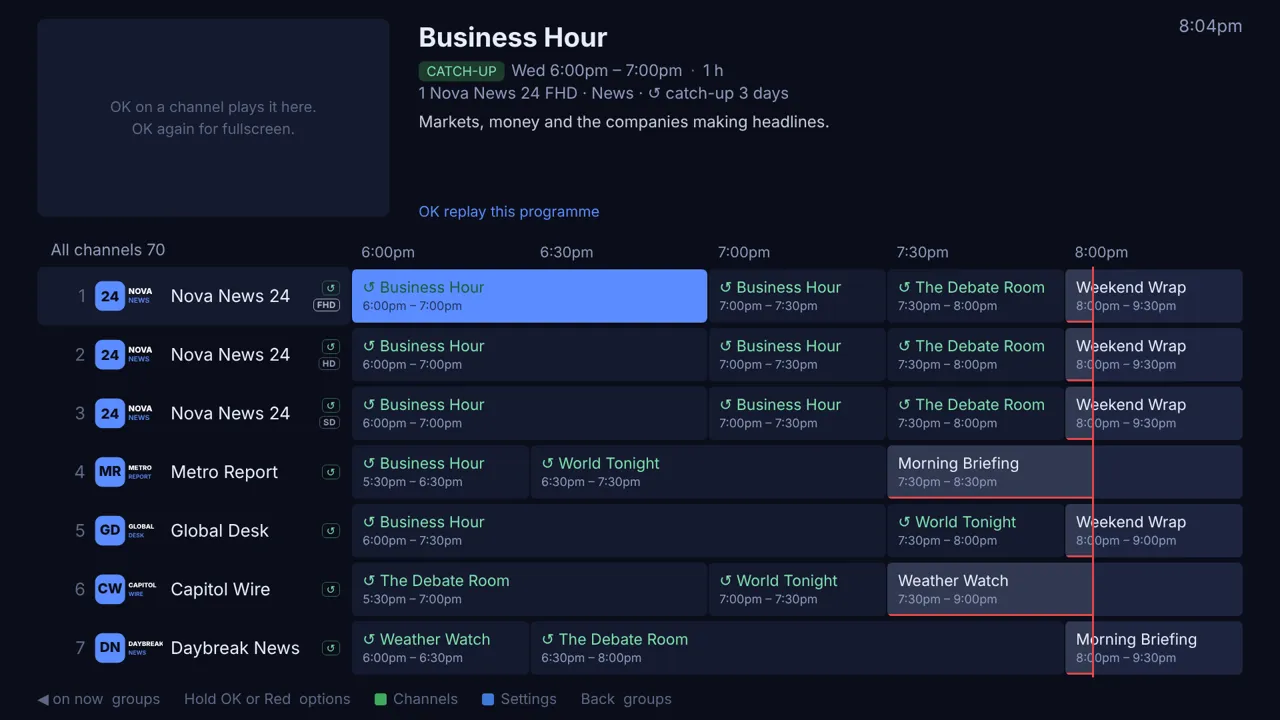
Live preview top left, details top right, groups one press away. OK previews, OK again goes fullscreen. The Magic Remote works everywhere.

0.6.0 test builds · free and open source
A free, guide-first IPTV player for LG webOS. Bring your own Xtream Codes or M3U subscription; TiviBro gives it a real TV guide, catch-up, movies and shows, and a web editor to tame thousands of channels. Built to feel like TiviMate, and go further.
For LG webOS 4 and newer, built for webOS 25. No accounts, no ads, no tracking. TiviBro provides no channels or streams.
And a few things you won't find anywhere else on a TV.
Live preview top left, details top right, groups one press away. OK previews, OK again goes fullscreen. The Magic Remote works everywhere.
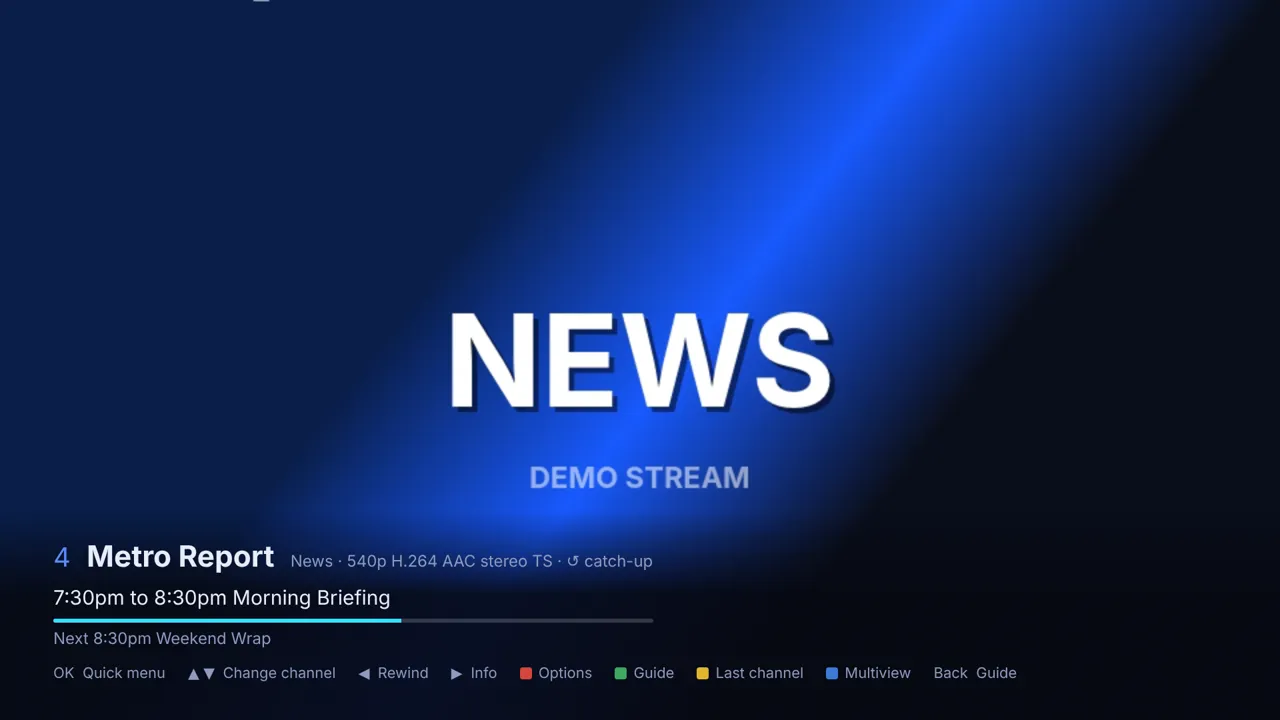
Rewind the guide into the past and replay what you missed, or restart the show you just tuned into.
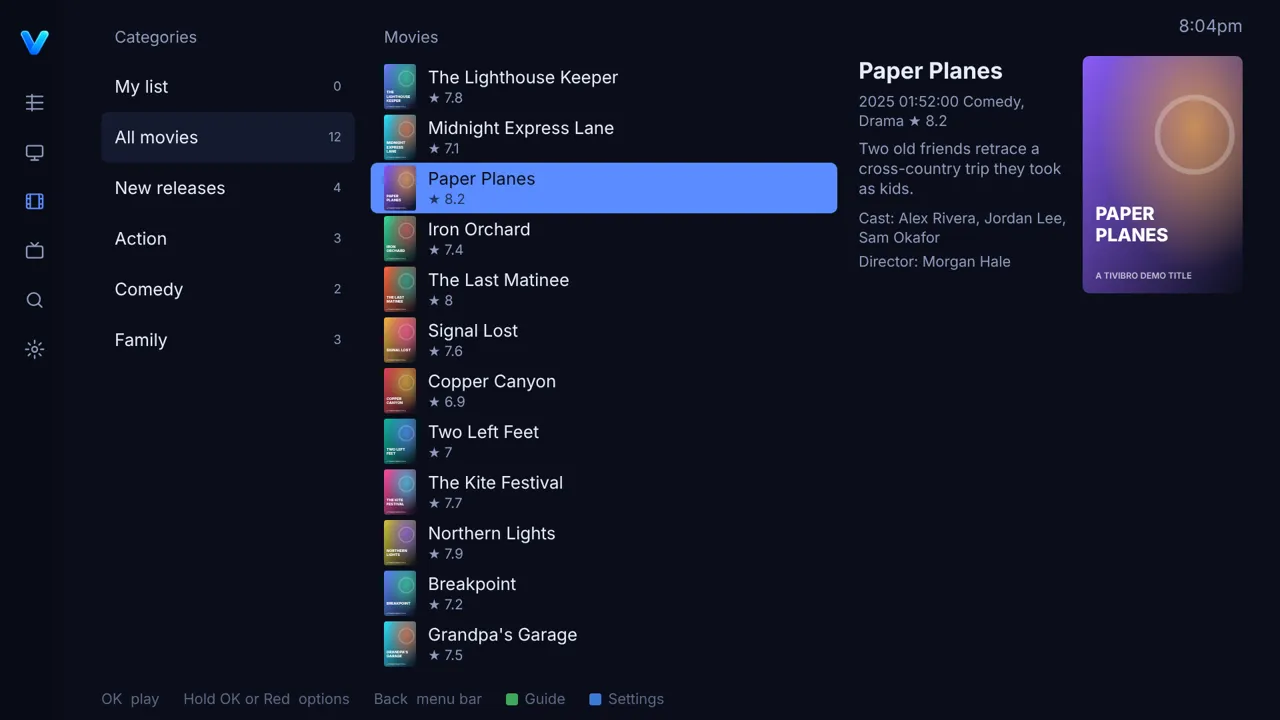
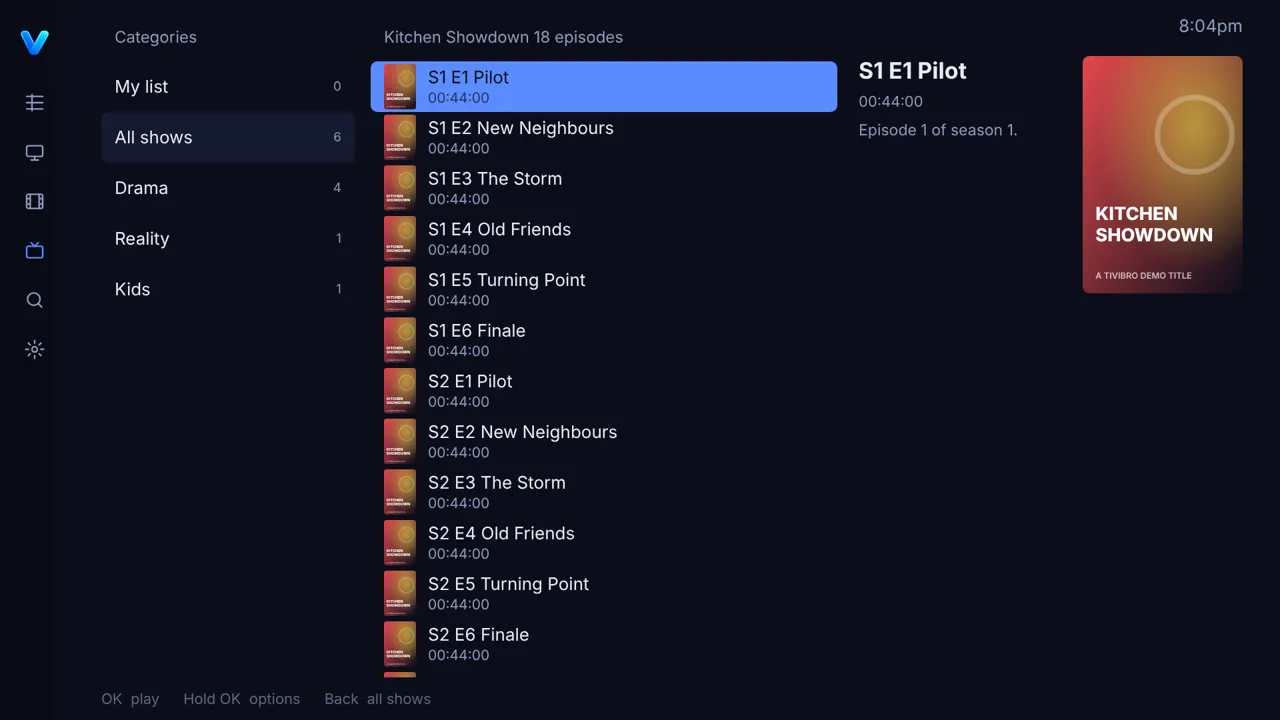
Your provider's movies and series with posters, seasons, episodes, My list and resume where you stopped.
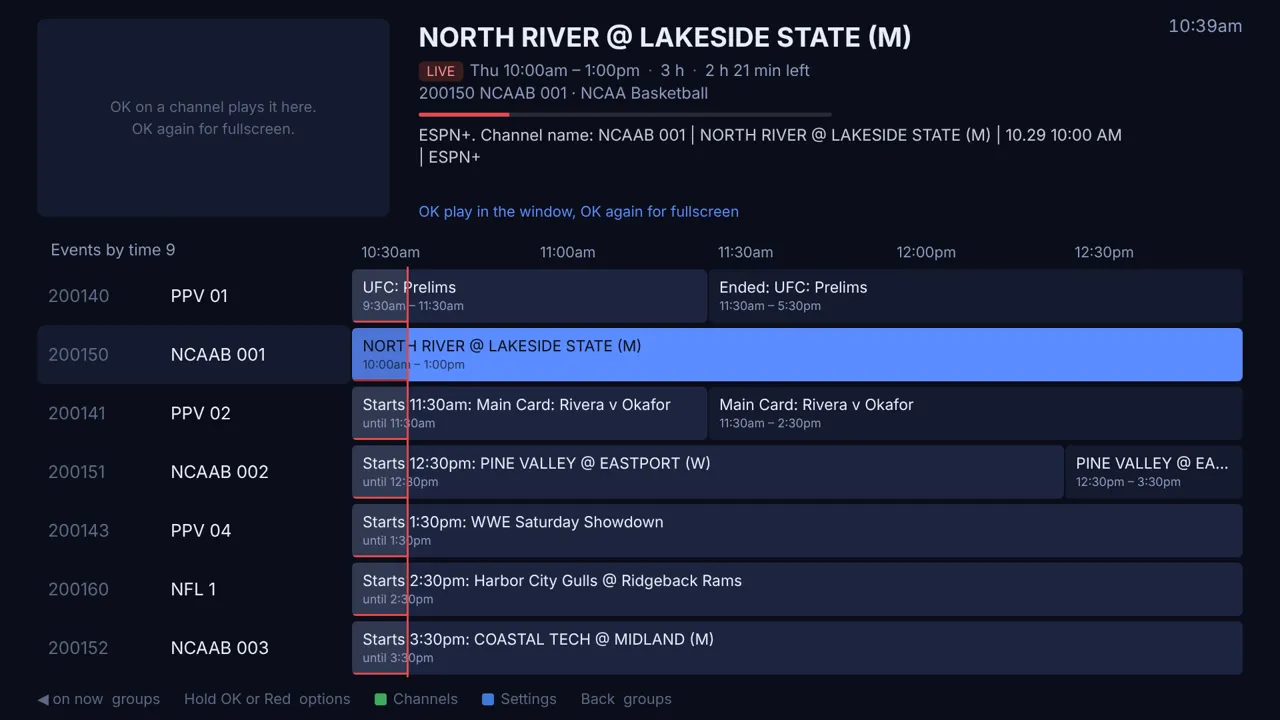
Event channels that cram the whole listing into their name get a short name and the game in the guide at its real time.
Two channels side by side, four on TVs that can take it. The focused one has the sound.
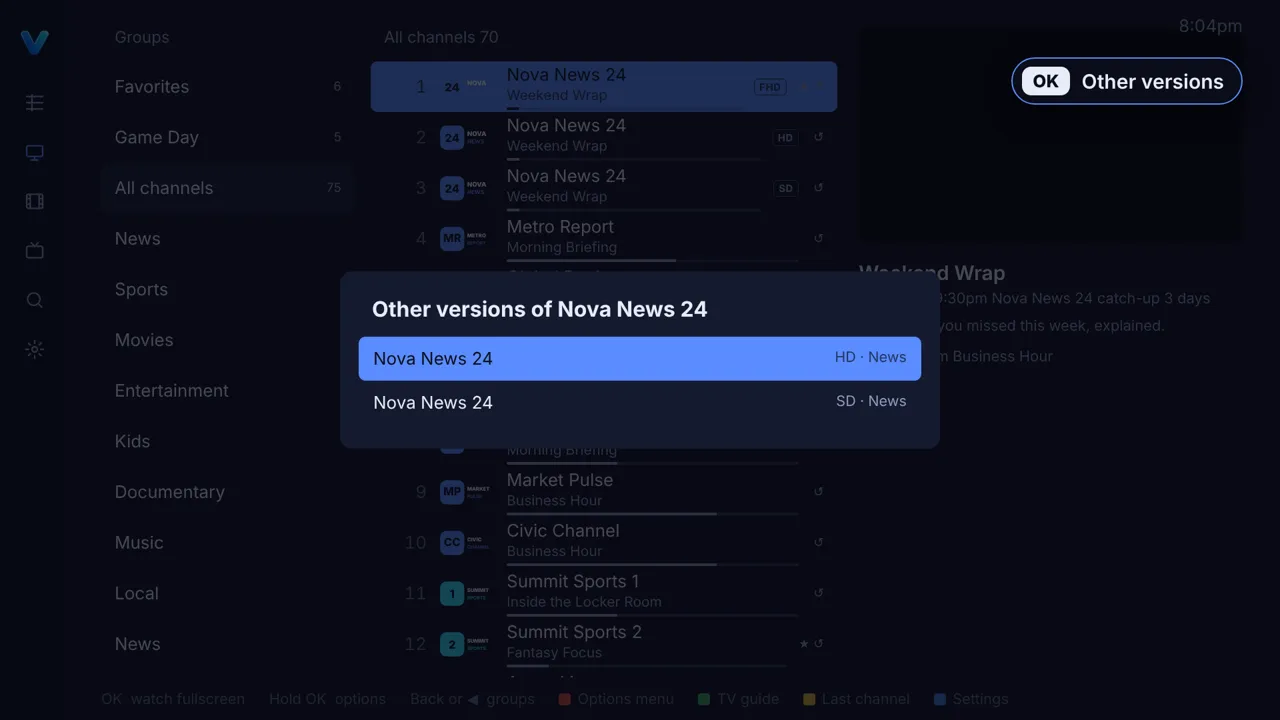
Same channel in FHD, HD and SD? When one stops working, TiviBro moves to the next version by itself and tells you.
Reconnects with backoff, waits out Wi-Fi drops, tries every player, and keeps a dropped channel coming back by itself.
Reads each stream's format before the picture starts and hands it to the player that suits it best.
Strips "USA |", "FHD", "⚽" and hundreds of other tags, keeps only your countries, and hides "Off Air" channels until something is on.
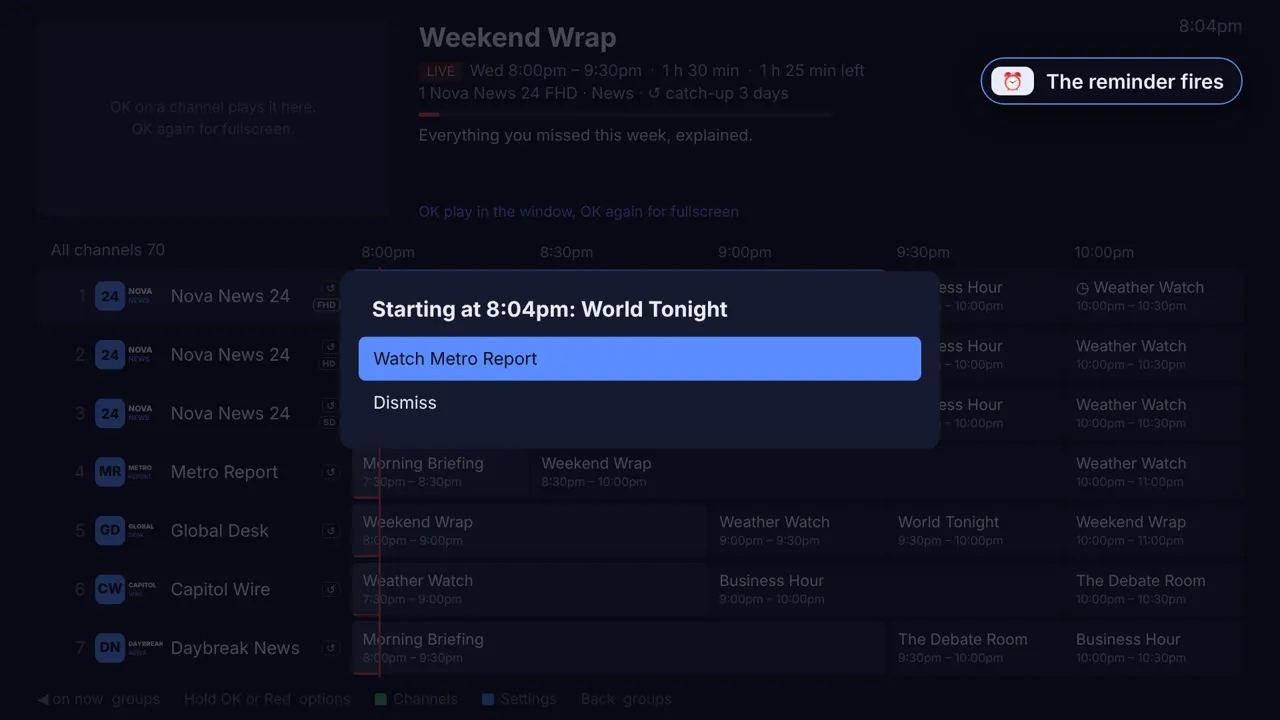
A reminder on any future programme, and a PIN for channels, groups or Settings.
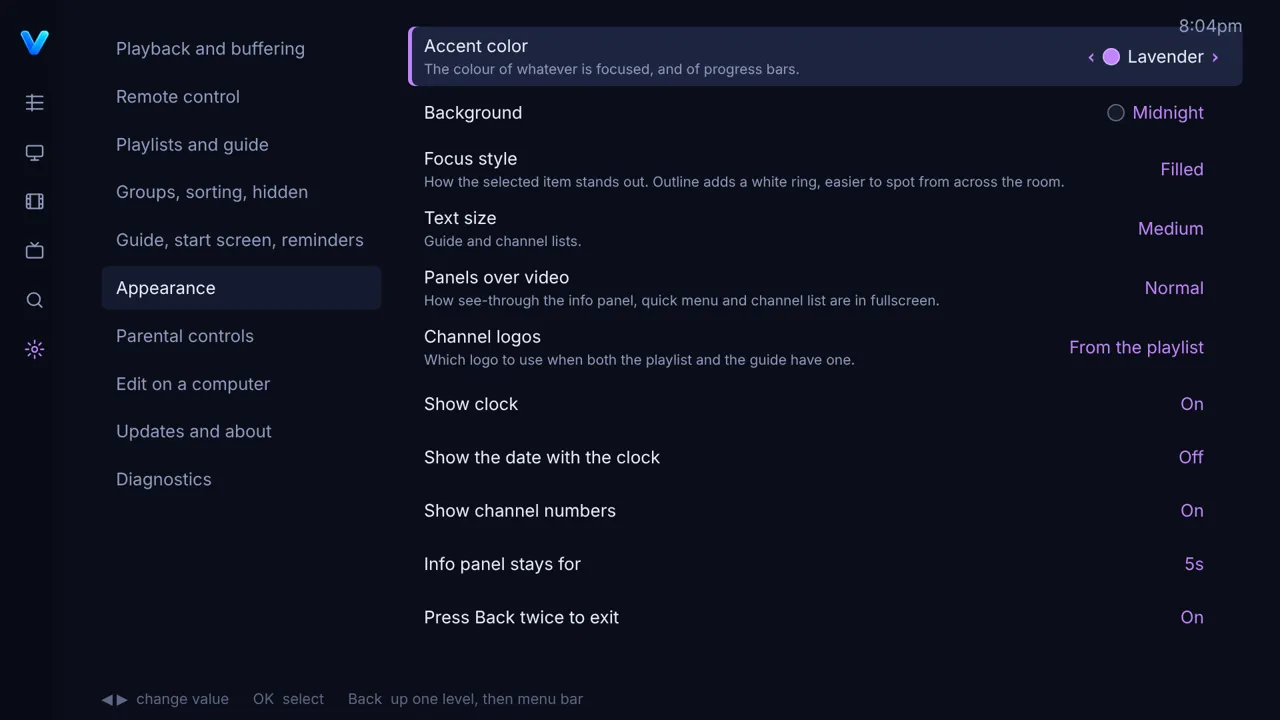
Nine backgrounds including true black for OLED, twelve accents or your own, an outline focus for across the room, remote remapping.
MIT licensed and built in the open. No accounts, no ads, no tracking. Your logins never leave the TV.
Only in TiviBro
TiviMate set the bar for IPTV on a TV, and TiviBro follows its layout on purpose. These are the things we haven't found in TiviMate or any other IPTV player, on any platform.
When a provider writes the event into the channel name instead of the guide, TiviBro turns it into a short name, a guide entry at the real time in your time zone, and an Events by time list across all your passes.
Clean up 10,000 channels with a keyboard and mouse, then Send to TV. Unsent work is autosaved on the TV within seconds, with a version history.
Same channel in FHD, HD and SD? When one dies, TiviBro moves to the next version on its own and tells you.
Pick your city once and every local group keeps only your stations. Keep East or West feeds in one click. Name rules for about 250 country codes, tags and emoji, duplicates found, and Smart match for missing guides.
"Off Air" and "No Event Scheduled" channels stay out of the way, and come back by themselves when an event is named.
One AES-256 locked file with every playlist, login, group and setting. A brand-new TV restores it from a computer before you touch a setting.
| TiviBro | TiviMate | |
|---|---|---|
| Runs on LG webOS TVs | Yes | No, Android TV and Fire TV |
| Price | Free, every feature | Free version, Premium paid |
| Catch-up, multiview, multiple playlists, backups | Included | Premium |
| Open source | Yes, MIT | No |
| Sports and PPV events read from channel names | Yes | No |
| Edit your playlist from a computer, with autosaved drafts | Yes | On the TV only |
| Switches to another version of a dead channel by itself | Yes | No |
| Name clean-up | Preloaded rules for about 250 country codes, tags and symbols | Your own prefix and suffix lists |
| Hide channels with nothing on | Yes | No |
| Pick your city for every local channel group at once | Yes | One group at a time |
| Keep East or West feeds in one step | Yes | No |
| Recording | Not yet | Premium |
TiviMate column from its own site and public guides, October 2026. TiviMate is a great app; this is what TiviBro adds.
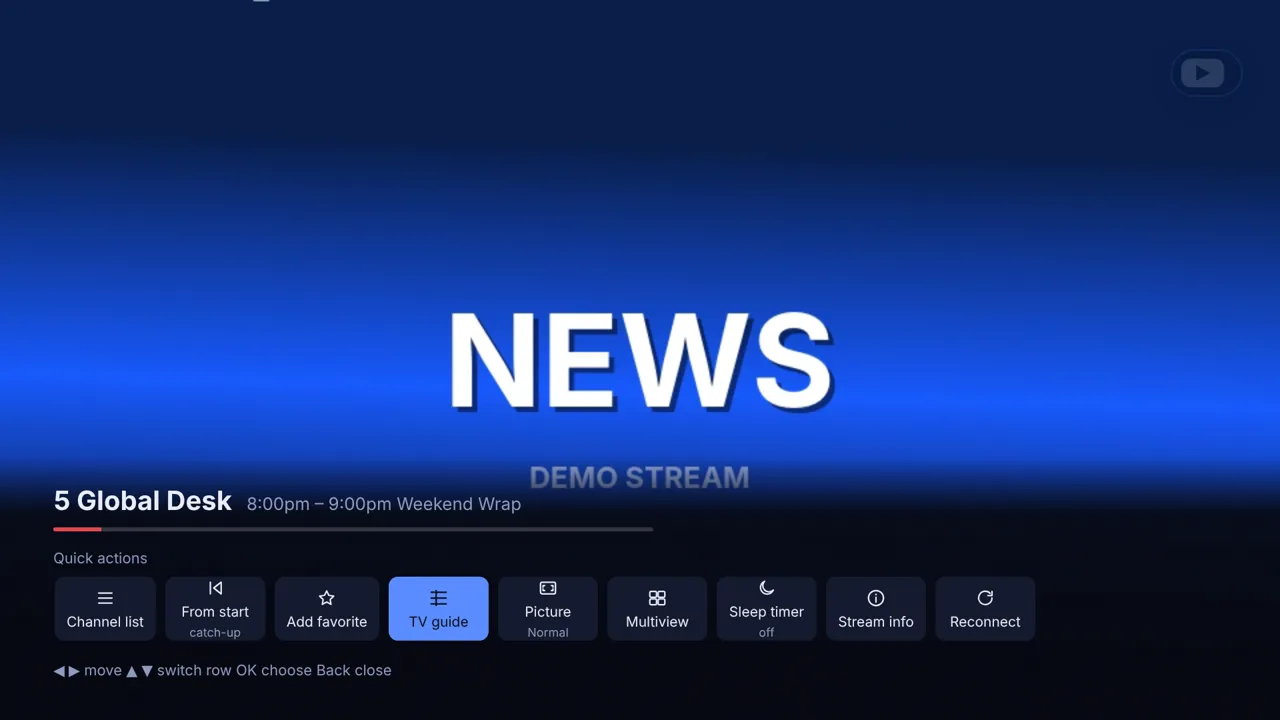
Every picture is the real app, playing a made-up demo provider.

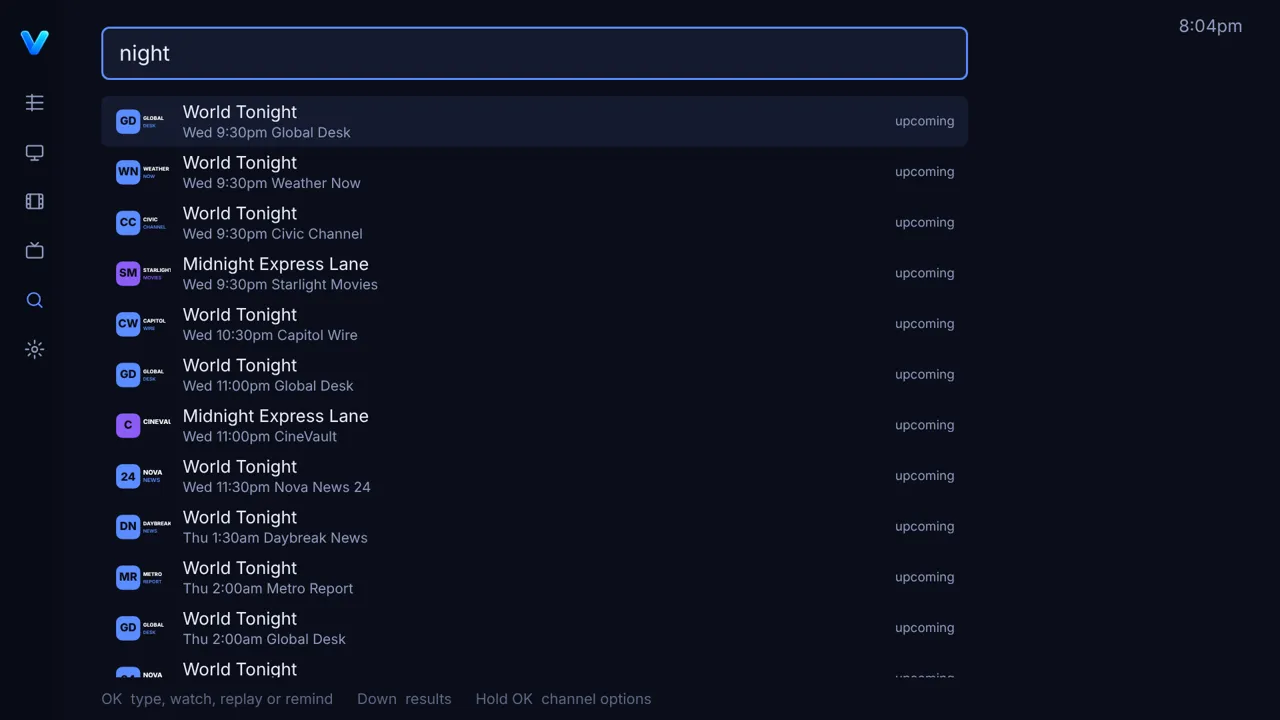
Pay-per-view and sports passes
Providers often skip the guide for pay-per-view, NFL, NBA, NHL and college passes, and write the whole listing into the channel name instead: NCAAB 001 | NORTH FLORIDA @ CHARLESTON SOUTHERN (M) | 12.18 11:00 AM | ESPN+.
The web editor
Turn on Edit on a computer and open the address the TV shows in any browser on your network. Changes are drafts until you press Send to TV.


Backups
One file holds every playlist with its login, your groups, favorites, names, guide matches and settings, locked with your passphrase (AES-256-GCM) before it leaves the TV. On a brand-new install, choose Set up or restore from a computer on the very first screen.
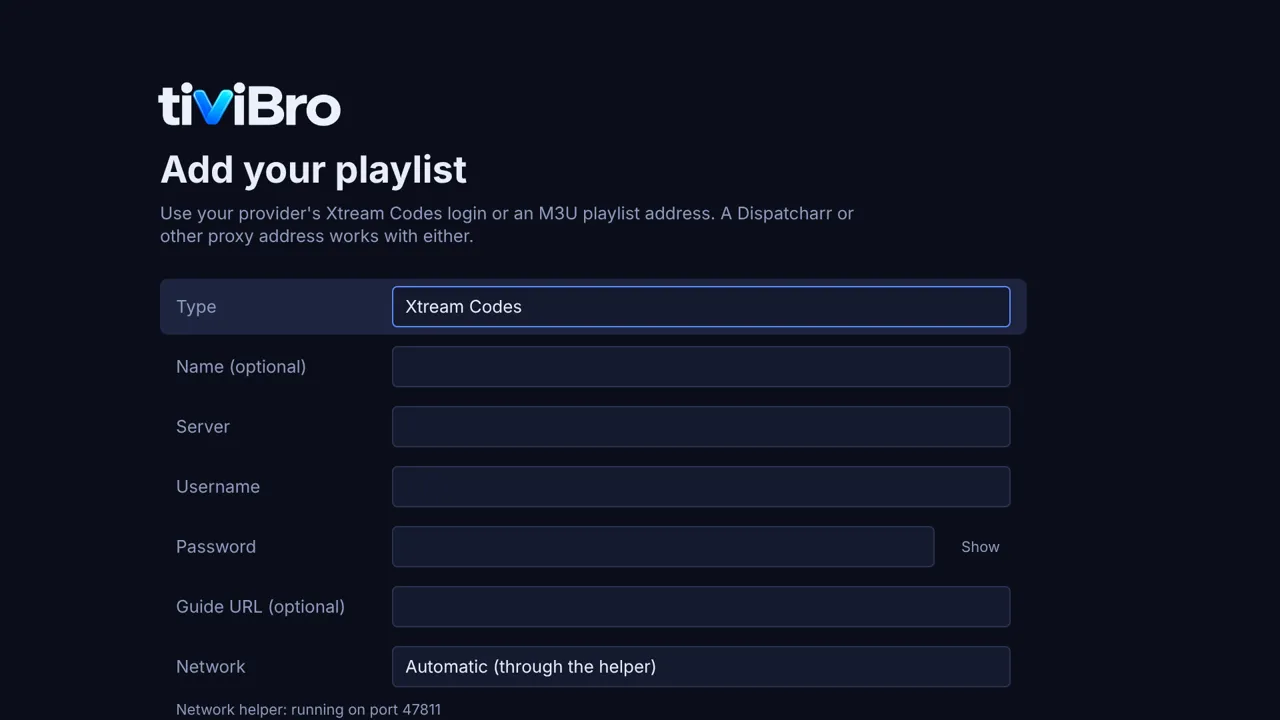
TiviBro installs like any homebrew app. Pick the way that suits your TV.
The easiest way on a rooted TV, with updates from the TV itself.
https://raw.githubusercontent.com/ohmybahgosh/TiviBro/homebrew/repo.jsonSwitch on SSH or Telnet in the Homebrew Channel, log in as root, and run:
curl -fsSL https://raw.githubusercontent.com/ohmybahgosh/TiviBro/homebrew/install.sh | shIt downloads the newest build, checks its SHA-256, installs it and starts TiviBro. Run it again any time to update; your settings are kept.
No root? Use LG's Developer Mode and the webOS CLI.
.ipk from the latest release.ares-install -d yourTV app.tivibro.tv_*.ipk, or build from source with npm run build and npm run install:tv.TiviBro is in active development: these are test builds. Keep a backup before updating, and report bugs in Issues.
No. TiviBro is a player. It plays your own subscription from your provider, as an Xtream Codes login or an M3U playlist with an XMLTV guide.
LG TVs with webOS 4 (2018) and newer. It is built and tuned for webOS 25 and tested on the browser and Node engines of older webOS versions.
Yes. It's MIT licensed open source, with no accounts, ads, tracking or paid tiers.
Logins stay on the TV. The web editor only ever sees server names, it needs the password shown on the TV, and backups are always encrypted with a passphrase you choose.
The user guide covers every remote button, every screen and every setting, with videos and screenshots.